CVE-2026-15158 vulnerability and BitFire protection

How BitFire Stops CVE-2026-15158 Blocksy Companion File Uploads

WordPress vulnerability research

BitFire blocks automated exploit requests and uses PRO RASP to prevent CVE-2026-15158 from creating an unauthorized PHP file through Blocksy Companion Pro.

Unauthenticated Critical Severity Remote Code Execution Risk Arbitrary File Upload
BitFire · Vulnerability advisoryResearch published
AdvisoryCVE-2026-15158
ComponentBlocksy Companion Pro: Advanced Reviews and Custom Fonts
Relevant sourceCustom Fonts wp_check_filetype_and_ext filter and Advanced Reviews save_attachments()
Executive summary

What WordPress administrators need to know

CVE-2026-15158 is a critical unauthenticated arbitrary file upload vulnerability affecting Blocksy Companion Pro through version 2.1.46. When WooCommerce Extra with Advanced Reviews and Custom Fonts are both active, an attacker can submit a double-extension filename such as `shell.woff2.php`. The Custom Fonts validation filter finds `.woff2` or `.ttf` anywhere in the name and approves the file as a font, allowing Advanced Reviews' `save_attachments()` flow to store a file that may be executable. Successful execution depends on the server configuration, but it can make remote code execution possible. The free Blocksy Companion plugin does not contain the vulnerable code path. BitFire blocks unknown automated clients before they reach the handler and BitFire PRO RASP independently prevents unauthorized PHP file creation at runtime.

At a glance

Key facts

  • Blocksy Companion Pro versions up to and including 2.1.46 are affected
  • Exploitation requires WooCommerce Extra with Advanced Reviews and Custom Fonts to be active
  • The free Blocksy Companion plugin does not contain the vulnerable code paths
  • No WordPress account is required to reach the vulnerable attachment flow
  • Double extensions such as `shell.woff2.php` bypass the substring-based font check
  • BitFire blocks unknown exploit bots and PRO RASP prevents unauthorized PHP file creation
01
Vulnerability overview

Understand the exposure

The affected component, attack path, and practical risk for WordPress websites.

Affected componentBlocksy Companion Pro: Advanced Reviews and Custom Fonts
Potential reach300,000+ installations
Attack techniquearbitrary file upload
Published2026-07-01
BitFire interrupts the exploit before vulnerable plugin code runs and again at the filesystem boundary where an attacker must create executable PHP.
02
Technical analysis

How the vulnerability works

Research details, affected versions, exploitation behavior, and remediation guidance.

CVE-2026-15158 Creates a Pre-Authentication Upload Path

Blocksy Companion extends the Blocksy theme with optional premium features. In Pro versions through 2.1.46, the affected configuration combines the WooCommerce Extra extension's Advanced Reviews attachment handling with the Custom Fonts extension's file-type filter. An unauthenticated visitor can send an attachment through `save_attachments()` without needing a WordPress account. If the filename passes validation, plugin code can store it as an allowed font upload. This issue has a critical 9.8 CVSS score because an attacker may be able to place executable code on the server and then invoke it remotely. CVE-2026-58480 describes the same vulnerability and is a duplicate of CVE-2026-15158.

A Substring Check Mistakes PHP for a Font

The Custom Fonts extension participates in WordPress file validation through a `wp_check_filetype_and_ext` filter. Instead of extracting the filename's final extension, vulnerable code uses `strpos()` to look for `.woff2` or `.ttf` anywhere in the string. That distinction is security-critical: `font.woff2` is a WOFF2 file by its name, while `shell.woff2.php` has a final extension of `.php`. The vulnerable check sees the embedded `.woff2`, approves the name as a font, and lets the Advanced Reviews attachment flow handle a file that WordPress should reject. Correct validation must compare `PATHINFO_EXTENSION` against an explicit font allowlist.

Remote Code Execution Depends on the Hosting Configuration

Passing MIME validation gives the attacker an arbitrary upload primitive, but code execution is not automatic on every site. The uploaded file must land in a web-accessible location where the HTTP server or PHP handler treats its final `.php` extension as executable. When those conditions hold, requesting the uploaded file can execute attacker-controlled PHP with the site's privileges, potentially exposing data, changing content, adding persistence, or disrupting the installation. Servers that prohibit script execution in upload directories reduce that outcome, but they do not correct the plugin's validation failure or make an attacker-controlled arbitrary file harmless.

BitFire Bot Protection Stops Automated Upload Attempts

Automated exploitation requires an attacker-controlled POST carrying the attachment and request parameters to the public review flow. BitFire bot protection detects unknown automation and browser impersonation when those clients submit unknown GET or POST parameters. It can reject the client before WordPress loads Blocksy Companion Pro or calls `save_attachments()`. This request-layer control does not depend on recognizing CVE-2026-15158 by name, and explicitly allowed legitimate integrations remain available. Its role is to stop the unknown automated exploit client; the runtime layer independently protects the dangerous filesystem outcome.

BitFire PRO RASP Denies Unauthorized PHP File Creation

BitFire PRO RASP follows execution to the operation that must succeed for this exploit to become a PHP web shell. Its filesystem protection prevents unauthorized PHP file creation or modification from any request vector. A filename such as `shell.woff2.php` may fool the plugin's substring check, but its attempted outcome is still the creation of a PHP file. RASP denies that operation even if the request reaches vulnerable code, an alternate client avoids bot detection, or another application path performs the write. This outcome-based control is active before a CVE-specific signature exists.

Conclusion: Protect the Upload Operation, Not Just the Plugin Route

Version 2.1.47 is recorded as unaffected, and administrators can verify that premium installations run a non-affected release and do not retain unexpected double-extension or PHP files in upload locations. The public Blocksy Companion listing reports more than 300,000 active installations, although this CVE affects only the subset using the Pro plugin with both required extensions active. CVE-2026-15158 shows why site administrators need a security solution with built-in access controls and zero-day protection when plugin validation fails. BitFire's behavior-based bot controls can stop unknown automated requests, while PRO RASP provides the independent final boundary that prevents the unauthorized PHP file creation required for remote code execution without waiting for a vulnerability-specific rule.


03
Source review

Vulnerable and fixed code

The relevant source is located in Custom Fonts wp_check_filetype_and_ext filter and Advanced Reviews save_attachments().

BeforeVulnerable behavior
// Vulnerable request flow, abridged.
// The filter searches the whole filename rather than its final extension.
if ( strpos( $filename, '.woff2' ) !== false ) {
    $filetype = 'woff2';
}

if ( strpos( $filename, '.ttf' ) !== false ) {
    $filetype = 'ttf';
}

// shell.woff2.php is consequently handled as an approved font.
save_attachments( $uploaded_file );
AfterCorrected behavior
// Required corrected behavior, abridged.
// Validate only the final extension.
$extension = strtolower( pathinfo( $filename, PATHINFO_EXTENSION ) );

if ( ! in_array( $extension, array( 'woff2', 'ttf' ), true ) ) {
    return $original_filetype_result;
}

// Continue only when the actual final extension is an allowed font type.
$validated_filetype = $extension;
04
Zero-day protection

Protection from the first exploit request

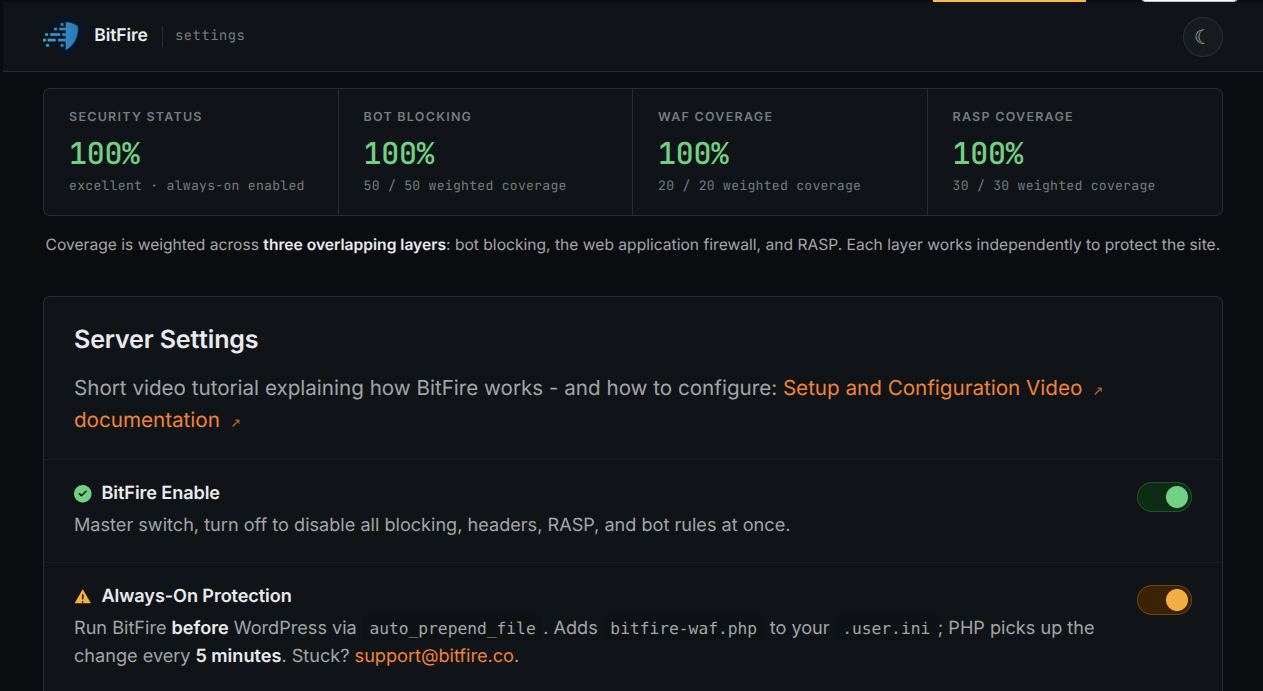
BitFire protects WordPress servers on day zero—before a vulnerability is publicly known and before other vendors have time to develop signatures or patches.

01 · VerifyStop unknown clients

Bot controls and browser verification stop untrusted automated clients before previously unknown exploit code reaches WordPress.

02 · DetectBlock malicious behavior

General WAF protections identify dangerous request behavior and hostile payloads without waiting for a vulnerability-specific signature.

03 · PreventContain attacks at runtime

RASP follows execution inside PHP and prevents unauthorized changes to protected files, accounts, and database content.

BitFire · WordPress protectionZero-day ready
BitFire zero-day WordPress vulnerability protection
BitFire combines verified-client controls, behavior-based WAF detection, and runtime RASP enforcement to protect WordPress before an exploit has a name, CVE, signature, or vendor patch.
About the author

Cory Marsh

Cory has more than 20 years of internet security experience and is a lead developer on the BitFire project.

Read BitFire security research →
Protect your WordPress website

Add protection before the next exploit arrives.

BitFire combines bot controls, request inspection, malware detection, and runtime protection in one WordPress security platform.

Protect my site free →